How to Recognize Software Compatibility Problems Before Installing an App

How to Recognize Software Compatibility Problems Before Installing an App

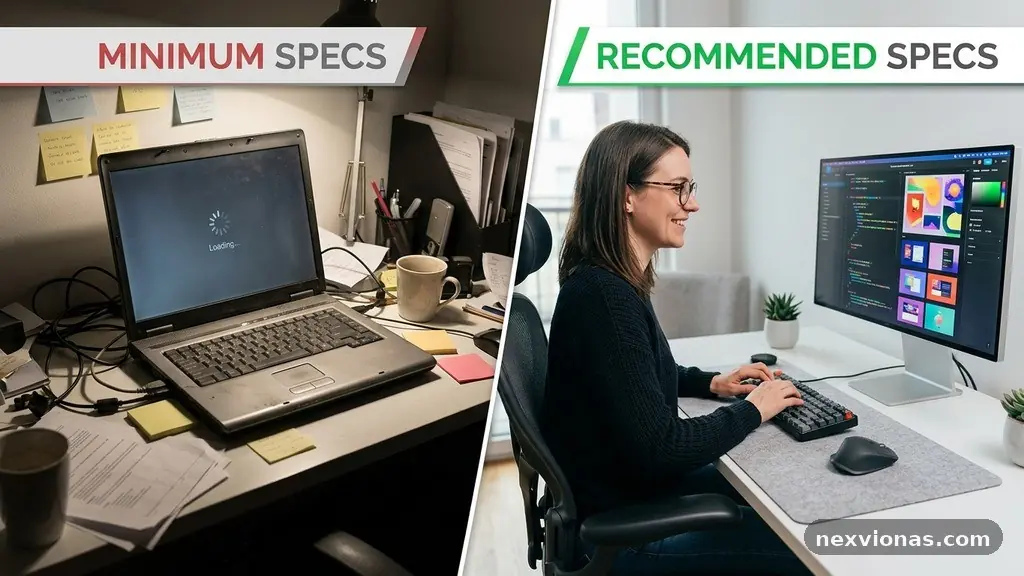
Recognizing Software Compatibility Problems Before Installing an App can save you from failed installations, crashes, missing features, and wasted storage. The warning signs usually appear before the download begins: an unsupported operating system, an incompatible processor architecture, outdated drivers, or a dependency the device cannot provide. The safest approach is to compare the app’s published … Read more

How to Reduce Notification Overload Without Missing Important Alerts

How to Reduce Notification Overload Without Missing Important Alerts

Reducing Notification Overload Without Missing Important Alerts starts with deciding which messages deserve your immediate attention and which can wait. The aim isn’t to silence your phone completely; it’s to create a calmer system where a call from an emergency contact feels different from a sale, reaction, or routine update. With a short audit, thoughtful … Read more

Why Some Websites Work on One Browser but Fail on Another?

Why Some Websites Work on One Browser but Fail on Another

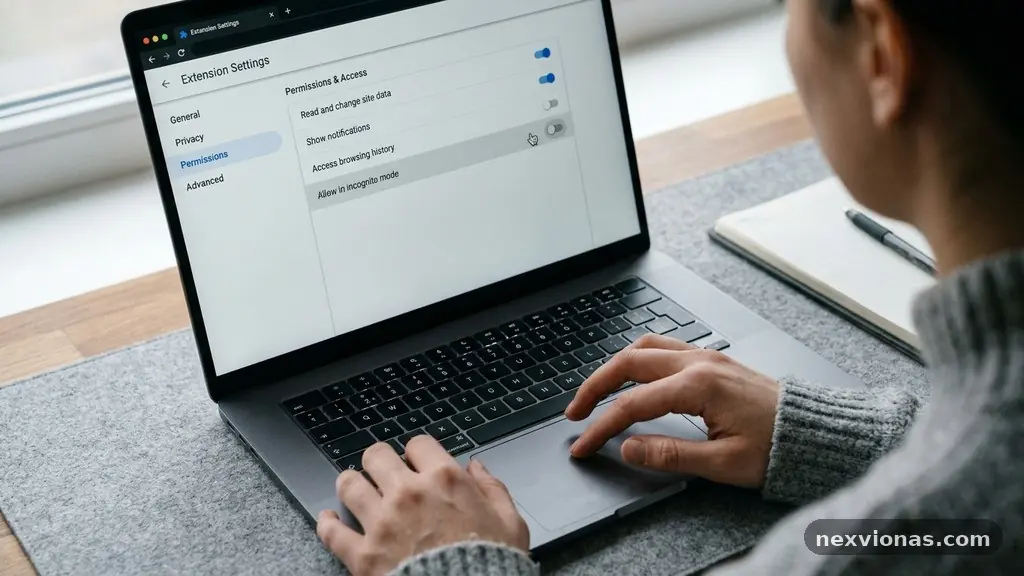
Some Websites Work on One Browser but Fail on Another because browsers don’t interpret every page in exactly the same way. Google Chrome, Mozilla Firefox, Safari, and Microsoft Edge may receive identical files yet produce different results because their rendering engines, security rules, and support for newer web features vary. The failure might appear as … Read more

Simple Ways to Organize Downloaded Files Without Losing Important Documents

Simple Ways to Organize Downloaded Files Without Losing Important Documents

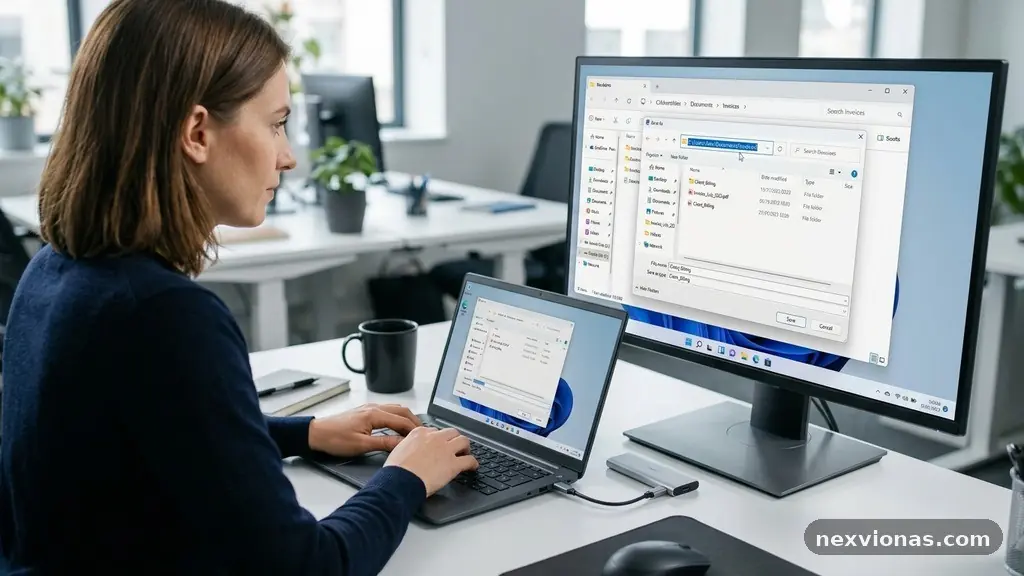
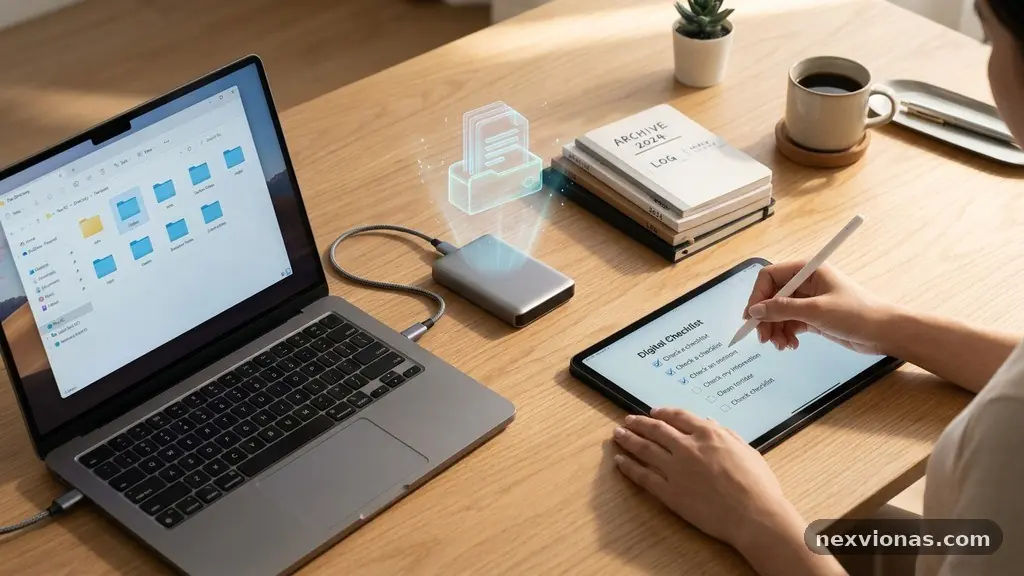
Simple ways to organize downloaded files without losing important documents start with one clear rule: every file needs a predictable home, a useful name, and a second copy if it matters. A tidy download folder saves time, prevents accidental deletion, and makes tax forms, receipts, contracts, photos, and work materials easier to find under pressure. … Read more

How to Identify Unnecessary Startup Programs Without Disabling Important Tools

How to Identify Unnecessary Startup Programs Without Disabling Important Tools

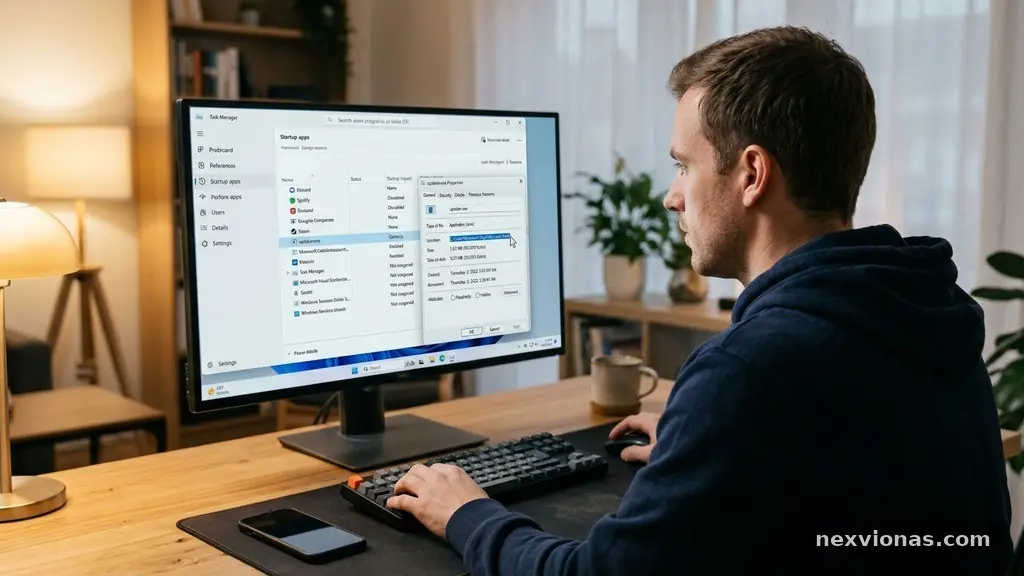
Identifying Unnecessary Startup Programs Without Disabling Important Tools starts with one simple rule: don’t remove an item just because its name looks unfamiliar. Startup programs range from harmless update checkers to device drivers, antivirus software, accessibility tools, and cloud synchronization services that you may rely on every day. The safest approach is to identify each … Read more

Why Software Updates Fail Repeatedly and What to Check First?

Why Software Updates Fail Repeatedly and What to Check First

When software updates fail repeatedly, the cause is usually practical rather than mysterious: too little disk space, a damaged update cache, weak internet connectivity, incompatible system components, or permissions that block installation. Knowing what to check first can save hours of reinstalling the same update and hoping the next attempt works. The fastest approach is … Read more

How to Find Which Apps Are Using the Most Storage on Your Computer

How to Find Which Apps Are Using the Most Storage on Your Computer

Finding Which Apps Are Using the Most Storage on Your Computer starts with one simple check: open your operating system’s storage settings and sort installed applications by size. That view quickly shows whether a large game, creative suite, cloud-sync tool, or forgotten utility is consuming the most disk space. The result matters because removing one … Read more