How to Create a Simple Digital Maintenance Checklist for Your Devices

How to Create a Simple Digital Maintenance Checklist for Your Devices

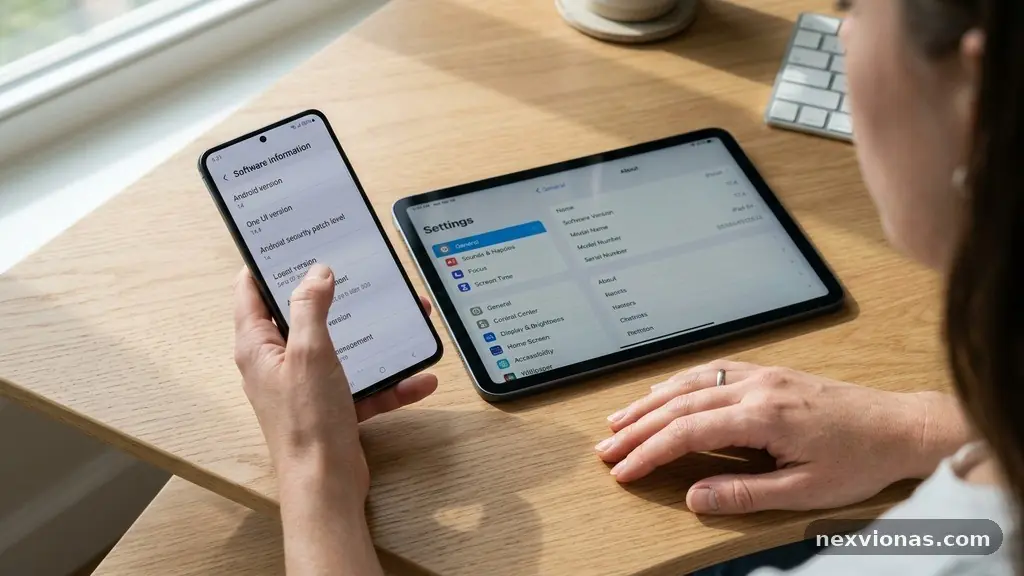
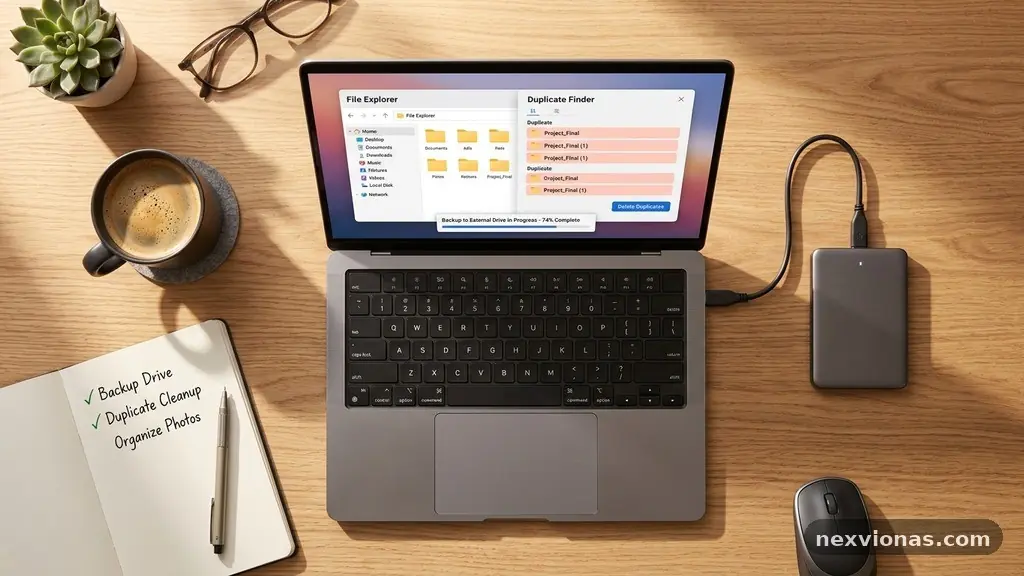
Creating a Simple Digital Maintenance Checklist for Your Devices gives phones, laptops, tablets, and home computers a small routine that prevents bigger problems. Instead of waiting for a failed update, a full drive, or a suspicious login, you can handle the essential jobs in short, scheduled sessions. A useful checklist doesn’t need expensive software or … Read more
Why Browser Bookmarks Disappear and How to Check Sync Settings?

Why Browser Bookmarks Disappear and How to Check Sync Settings

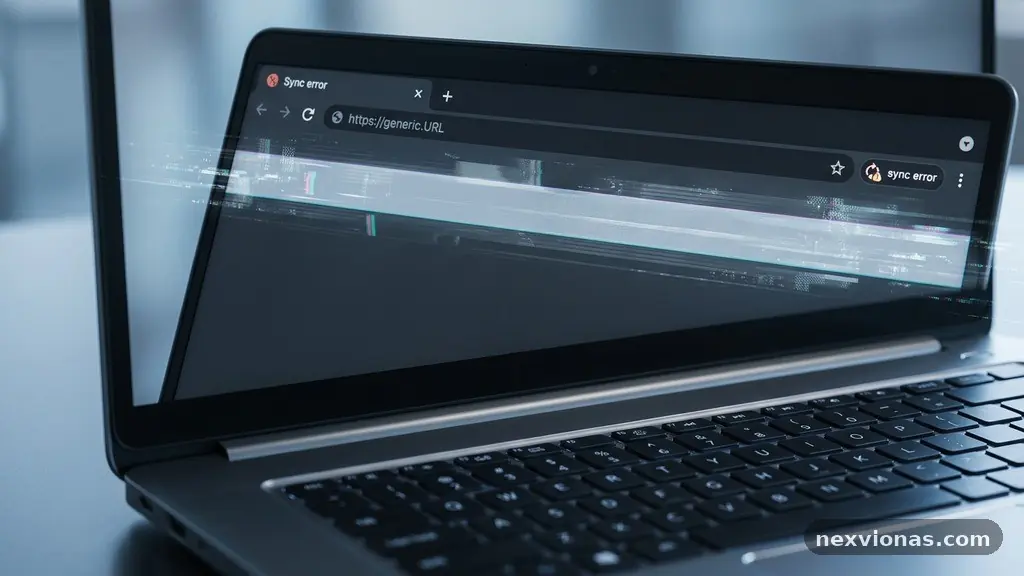
When browser bookmarks disappear, the cause is usually not random deletion. A different browser profile, a paused account, an unfinished sync, or a bookmark folder moved during a device change can make saved pages seem gone. Questions about Browser Bookmarks Disappear and How to Check Sync Settings usually come down to identifying where the bookmarks … Read more

How to Verify a Software Download Before Running the Installer

How to Verify a Software Download Before Running the Installer

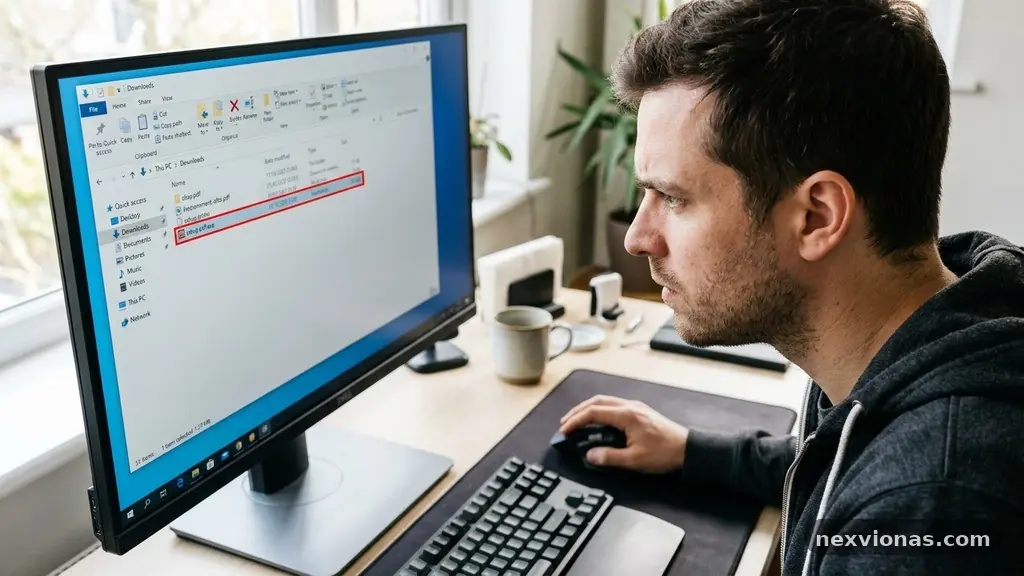
Verifying a Software Download Before Running the Installer is a small security habit that can prevent a corrupted file, counterfeit program, or malware infection from reaching your computer. A download that opens normally may still have been altered, replaced, or copied from an unofficial source. The safest process combines source checking, HTTPS, file-integrity validation, digital-signature … Read more

How to Prepare Your Computer Before Removing Unused Software

How to Prepare Your Computer Before Removing Unused Software

Preparing Your Computer Before Removing Unused Software is a small maintenance task that can prevent lost files, broken settings, and frustrating reinstall work. A few minutes spent checking what an application does, saving its important data, and confirming how it can be restored makes the removal process much safer. The right preparation is simple: create … Read more

How to Spot Unexpected Changes in an App’s Privacy Settings

How to Spot Unexpected Changes in an App's Privacy Settings

Spotting unexpected changes in an app’s privacy settings can reveal that an update altered permissions, expanded data collection, or introduced new third-party access. The change may be harmless, such as a clearer consent screen, but it can also affect location tracking, contacts access, or camera and microphone access without receiving much attention. Learning the habit … Read more

Simple Ways to Improve File Sharing Between Computers and Mobile Devices

Simple Ways to Improve File Sharing Between Computers and Mobile Devices

Simple ways to improve file sharing between computers and mobile devices can turn a frustrating chore into a quick, dependable habit. The right method depends on distance, file size, operating systems, privacy needs, and whether both devices share the same network. A few changes—such as choosing local transfers for large videos, organising cloud folders, or … Read more

How to Check Whether an App Is Compatible With Your Current System Version

How to Check Whether an App Is Compatible With Your Current System Version

Checking whether an app is compatible with your current system version can prevent failed installations, crashes, missing features, and wasted money. The answer usually comes from three places: the app’s store listing, the developer’s system requirements, and your device’s own software and hardware details. Before downloading, compare the required operating system version, device compatibility notes, … Read more

How to Reduce Duplicate Files Before a Full Device Backup

How to Reduce Duplicate Files Before Creating a Full Device Backup

Reducing Duplicate Files Before Creating a Full Device Backup can free substantial storage, shorten transfer times, and make the final archive easier to restore. A careful cleanup also prevents several copies of the same photo, video, or document from being preserved under slightly different names. The safest approach is to scan first, compare file content … Read more