How to Separate Work and Personal Browsing Without Installing Extra Software

How to Separate Work and Personal Browsing Without Installing Extra Software

Separating Work and Personal Browsing Without Installing Extra Software is mostly a matter of using tools already built into your browser and operating system. Browser profiles, separate browser applications, guest mode, and different user accounts can keep work history, bookmarks, cookies, and saved passwords from blending together. The best setup depends on whether you need … Read more


What to Check When a USB Device Is Not Recognized by Your Computer

What to Check When a USB Device Is Not Recognized by Your Computer

When a USB device is not recognized by your computer, the cause is usually something practical: a damaged USB cable, a failing USB port, missing USB drivers, insufficient power, or a problem with how the operating system has assigned the device. Start with the simplest checks before changing settings or reinstalling software. Check the connection, … Read more

How to Review Saved Passwords and Remove Accounts You No Longer Use

How to Review Saved Passwords and Remove Accounts You No Longer Use

Reviewing Saved Passwords and Remove Accounts You No Longer Use is a practical privacy task that can reduce the number of places holding your personal information. Old shopping profiles, forgotten forums, trial subscriptions, and unused apps may still contain addresses, payment details, private messages, or security questions. A careful review helps you find reused or … Read more

How to Choose a Safe Location for Backing Up Important Digital Files

How to Choose a Safe Location for Backing Up Important Digital Files

Choosing a Safe Location for Backing Up Important Digital Files starts with one simple principle: your backup should remain available when the original device, account, or building does not. The safest arrangement usually combines a trusted cloud backup with a separate physical copy, including at least one version kept offsite. That approach protects family photographs, … Read more

Why Automatic Date and Time Settings Matter for Internet Connections?

Why Automatic Date and Time Settings Matter for Internet Connections

Why Automatic Date and Time Settings Matter for Internet Connections becomes clear whenever a perfectly good device suddenly rejects a website, refuses a login, or reports that a certificate is invalid. Your system clock quietly supports secure browsing, DNS resolution, software updates, cloud synchronization, and many account checks. Keeping the device date and time accurate … Read more

How to Check Available Disk Space Before Installing Large Software Updates

How to Check Available Disk Space Before Installing Large Software Updates

Checking Available Disk Space Before Installing Large Software Updates can prevent failed installations, confusing error messages, and hours spent restoring a half-completed upgrade. A device may show plenty of free storage at first glance, yet the update also needs room for temporary installation files, backups, unpacked packages, and the final replacement files. The safest approach … Read more

Practical Ways to Keep Browser Sessions Organized Across Multiple Projects

Practical Ways to Keep Browser Sessions Organized Across Multiple Projects

Practical Ways to Keep Browser Sessions Organized Across Multiple Projects starts with one simple rule: give every project a defined home instead of letting tabs compete for attention. Browser profiles, tab groups, saved sessions, and clear naming can turn a crowded window into a workable system without forcing you to close useful research. The payoff … Read more

How to Review App Permissions After a Major Operating System Update

How to Review App Permissions After a Major Operating System Update

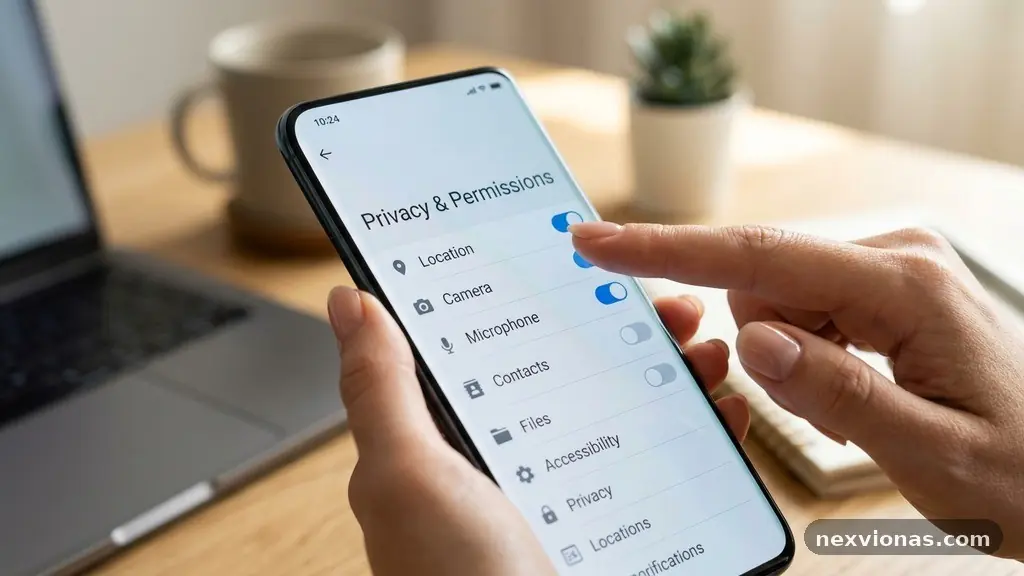
Reviewing App Permissions After a Major Operating System Update is one of the simplest ways to regain control of your phone’s privacy. A major release can reset prompts, introduce new permission categories, or change how an existing setting works without making every consequence obvious. The safest approach is practical rather than alarmist: check which apps … Read more